Growth
For small teamsWhat’s included
Enough for most small businesses to answer questions, hand off chats and take bookings.
- 10,000 messages / month
- 100 sources
- 3 team seats
- Handoff & booking
ChadaQ reads your website and documents, answers visitors the way your team would, and shows where each answer came from. When someone needs a person, it hands them over.
It answers questions, books appointments and passes tricky chats to your team. You see all of it in one inbox.
It only answers from your site, documents and help centre, and links to the source every time.
<script src="…/w.js" async>One line to installVisitors can ask for a person anytime. Live chat during business hours, email after.
<script src="…/w.js" async>One line to installIt asks your screening questions, checks your calendar and books the visitor in, all inside the chat.
<script src="…/w.js" async>One line to installEvery conversation in one place, plus a list of questions your content doesn’t answer yet.
<script src="…/w.js" async>One line to installIt only uses what you give it, talks the way you want, and knows your opening hours.
Each reply is based on one of your sources and links back to it. If your content doesn’t cover a question, it says so.
Every reply comes from your site, documents or help centre, with a link to where it found the answer.
Set the tone, greeting and colours so it sounds and looks like your team, not a bot.
See the questions your content can’t answer yet, and fill the gaps in a few clicks.
Visitors can ask for a person at any point. It’s live chat during opening hours and email after.
Your content is only used to answer your own visitors, and team roles control who can change settings.
It asks a few questions, finds a free slot and confirms the booking in the chat.
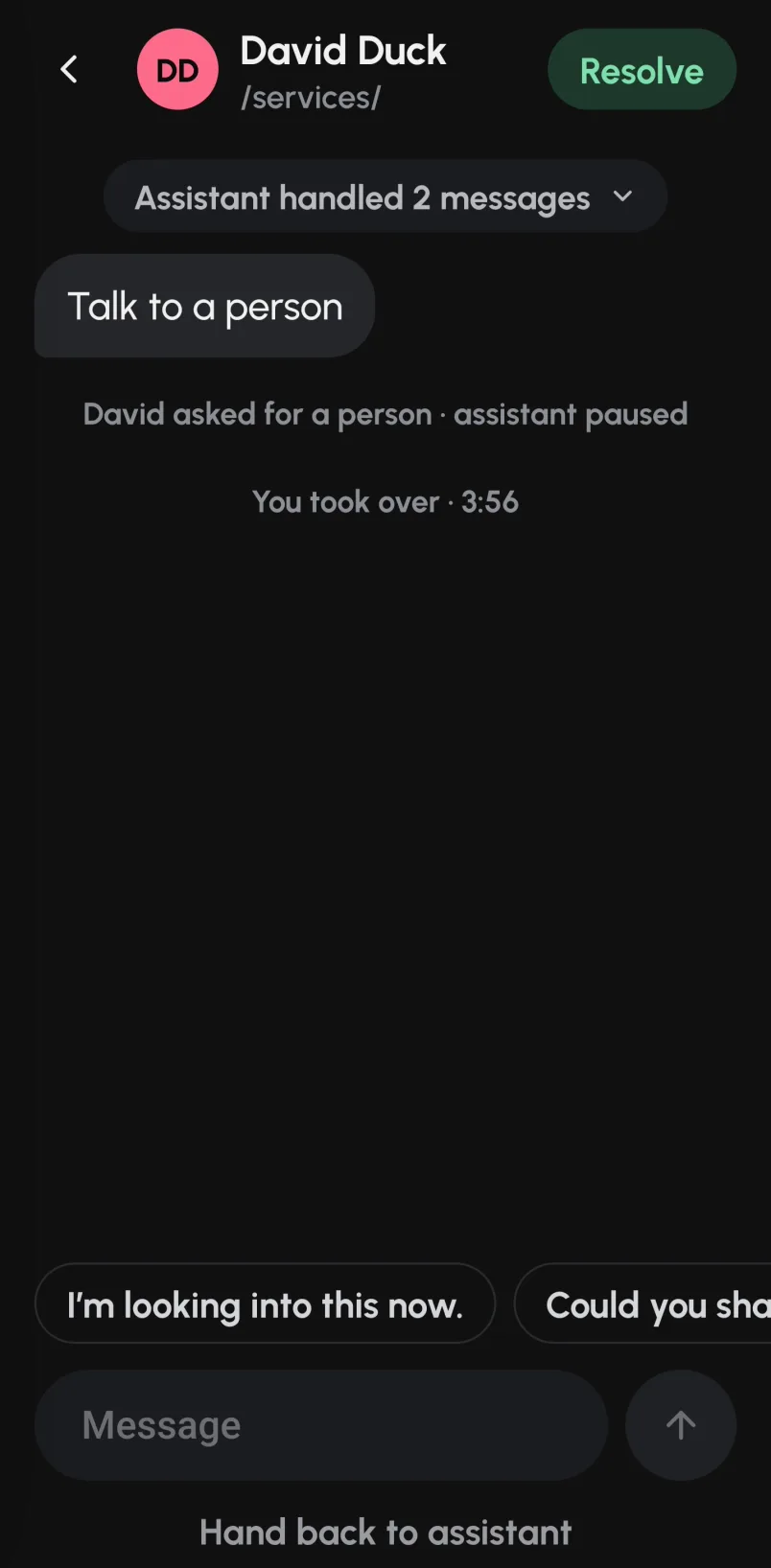
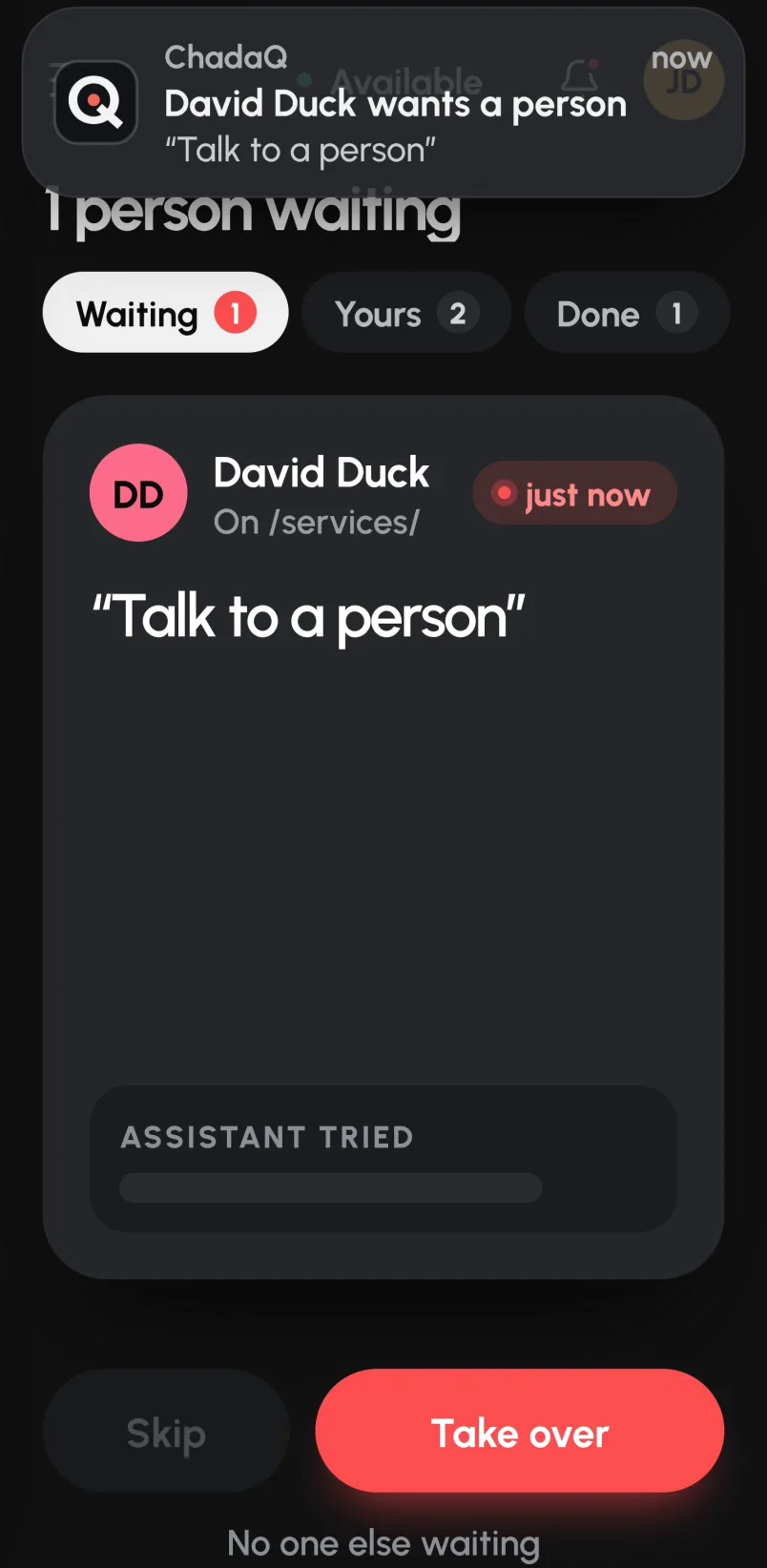
Your team gets a Slack message when someone asks for a person. Bookings go into your calendar, and after-hours requests come in by email.
Get startedGet a notification when a visitor asks for a person and reply from wherever you are.
Coming soon to iPhone and Android
Enough for most small businesses to answer questions, hand off chats and take bookings.
For busy sites with bigger teams, more content and more conversations.
Most teams are live in under an hour: add your website or documents, choose a tone, then paste one line of code into your site.
It tells the visitor it doesn’t know rather than guessing, then offers to put them in touch with your team.
Web pages, PDFs, Word documents, text files and notes you paste in. Website sources re-crawl every week, and you can re-sync them any time.
Yes. It works on Webflow, WordPress, Shopify, Squarespace and any other site where you can add a script tag.
Yes. Cancel from Settings & billing → Plan & billing whenever you like; your plan stays active until the end of the month you’ve paid for.
Tell us a bit about your site and we’ll help you get set up. Most people are live the same day.
Email us at support@chadacreatives.com.